Hanging Moss - 3xIMM Brushes +1 Texture Set
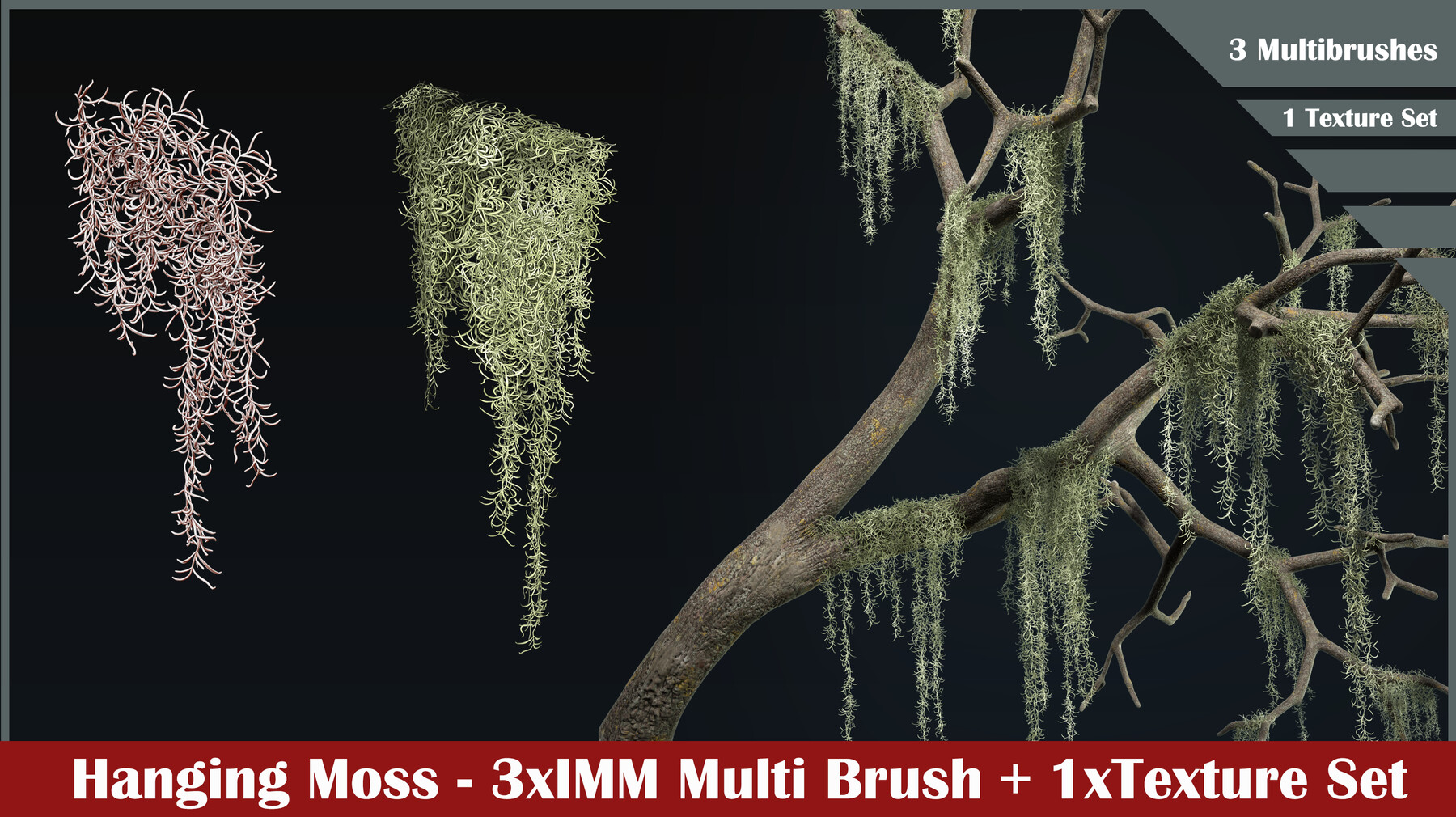
This product offers you an easy way to create hanging moss from the pictures inside your zbrush scenes
The package contains:
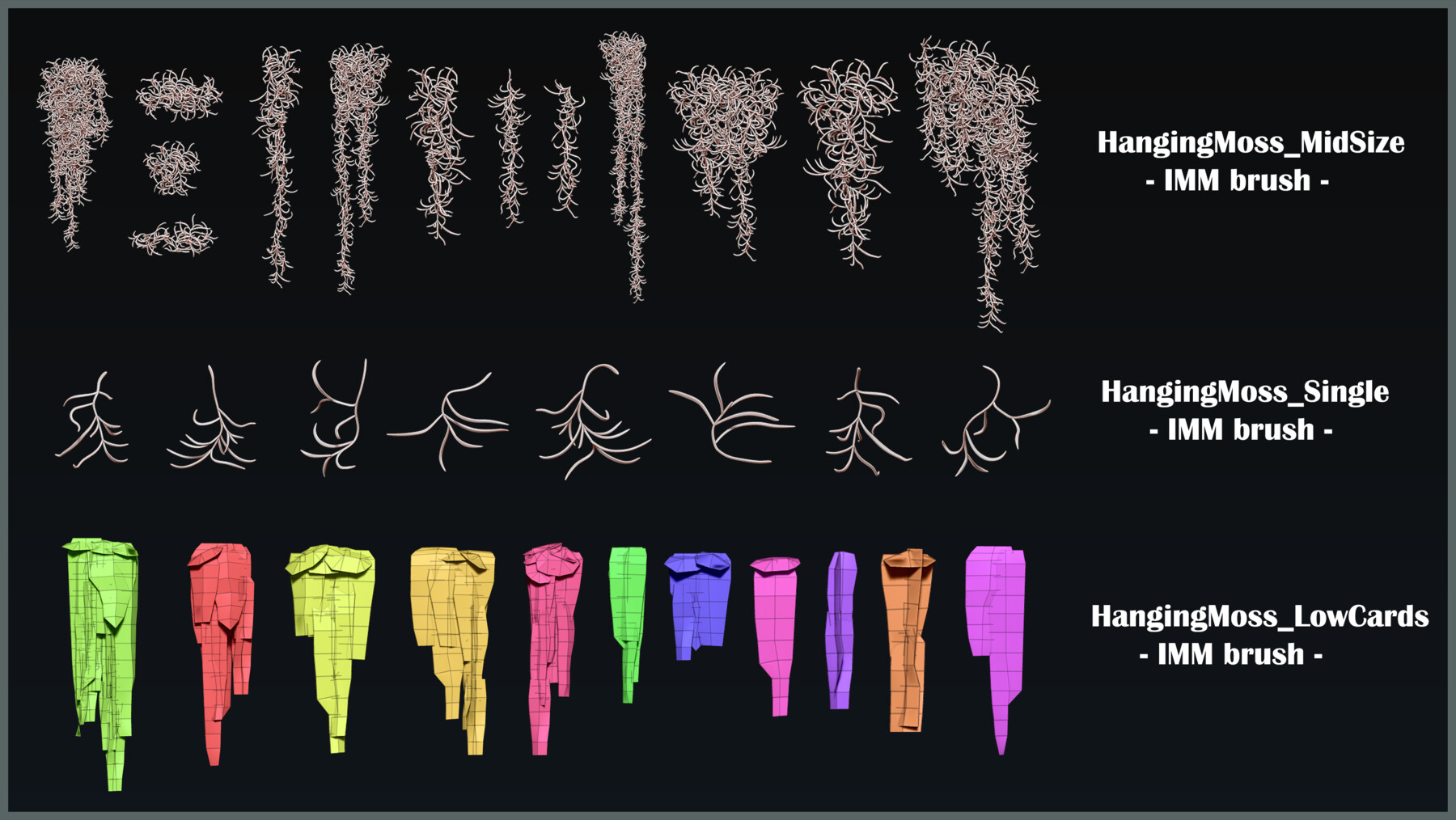
- HangingMoss_MidSize.zbp - a multibrush containing 13 mesh variations for hanging moss clumps for you to insert into zbrush
- HangingMoss_Single.zbp - a multibrush containing 8 different individual strands of hanging moss to create new variations of clumps
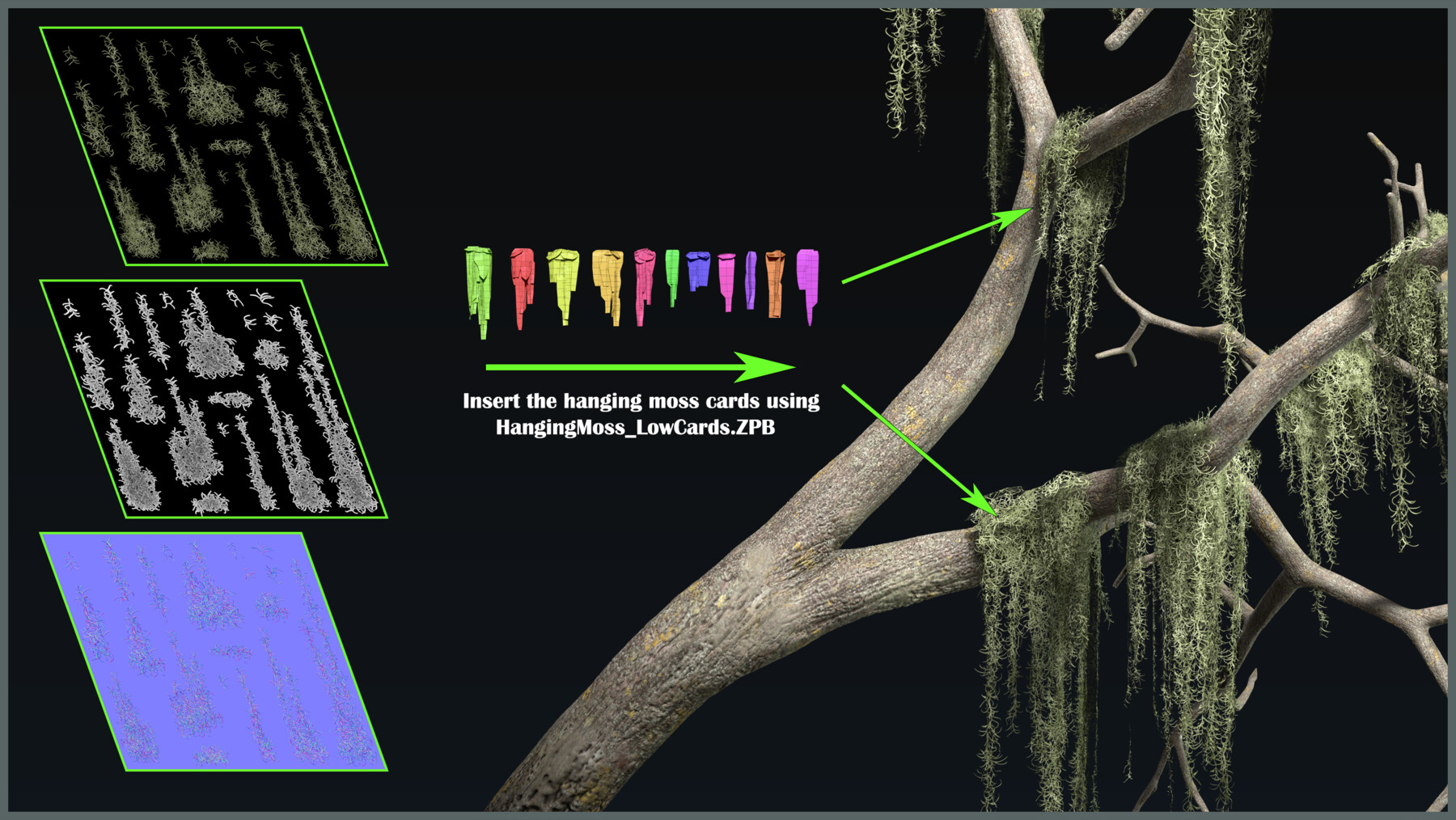
- HangingMoss_LowCards.zbp - a multibrush containing lowpoly UVMapped clumps of hanging moss to create lower poly render friendly clumps of moss
- TextureSet.rar - archive containing the baked textures for an alpha texture set of hanging moss created with the brushes above.Use HangingMoss_ForZBrush.jpg inside zbrush on the mesh created with the HangingMoss_LowCards.zbp brush to see the moss texture.
- Objs.rar - archive containing the meshes used for the brushes in fbx format
- HowToUse.png - a quick guide on how to use the brushes depending on what you need (either a highpoly mesh for use inside zbrush or a lowpoly mesh UV Mapped for use in render programs or game engines)
F.A.Q
Would this brush work on my Zbrush version?
- Any Zbrush starting with 2022.0.8 and beyond will run the brushes.
My created mesh using the UV Mapped brush doesn't have UVs anymore.Why?
- Make sure that inside zbrush you insert UV mapped IMM brushes only on UV mapped base surfaces (like the starting primitives -sphere, box)
- Make sure that when you merge subtools UV mapped inside zbrush you tick the UV box when merging down
How do I use this?
- Check HowToUse.png!!